
The console, as it actually looks.
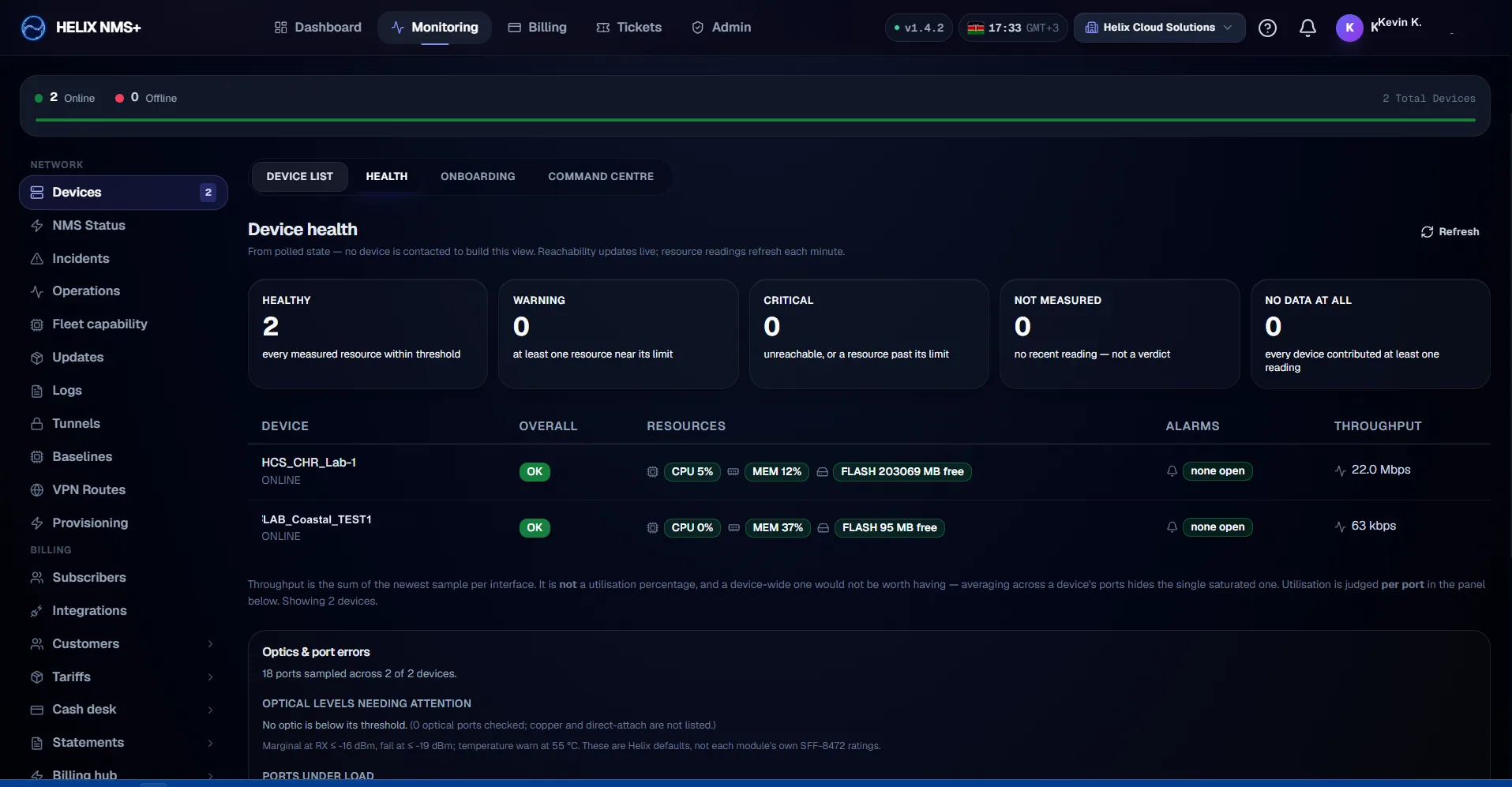
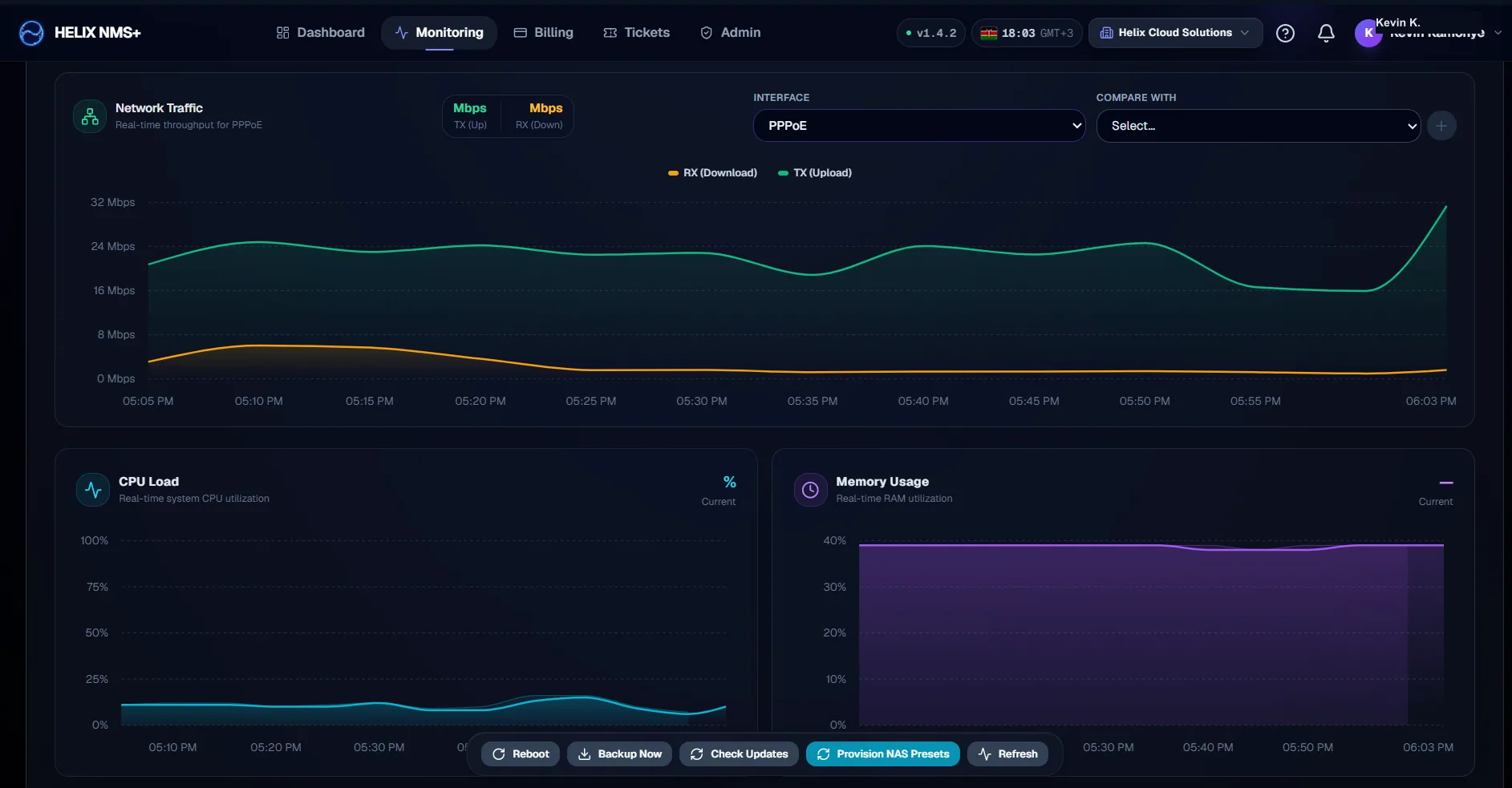
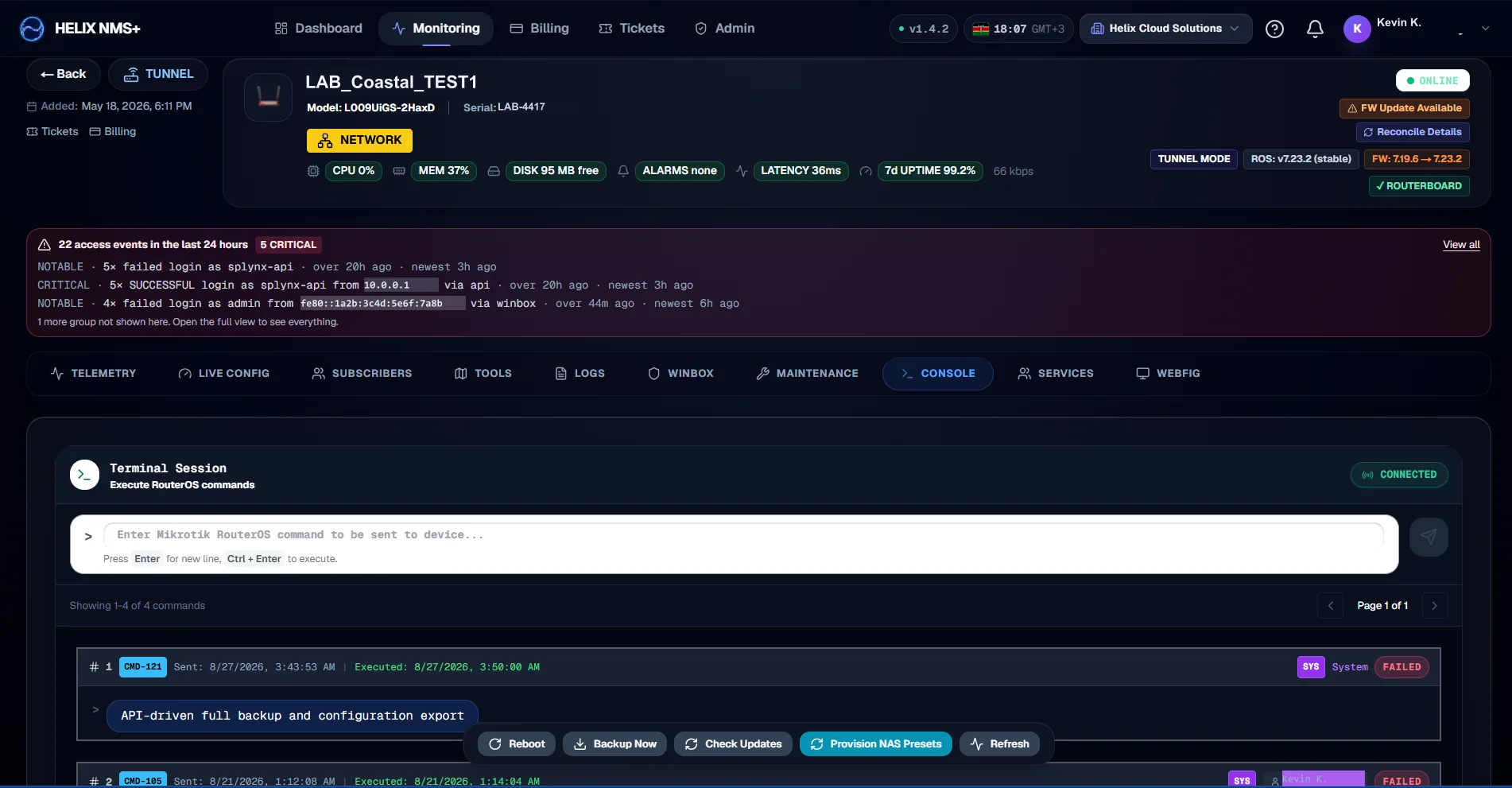
13 captures from the running product, in the order the work happens — from putting a router under management to billing the subscriber on it. Not mocks, and not a redesign for the brochure.
Addresses, device identifiers and names in these captures have been replaced with documentation values. Everything else is the product.
01/13
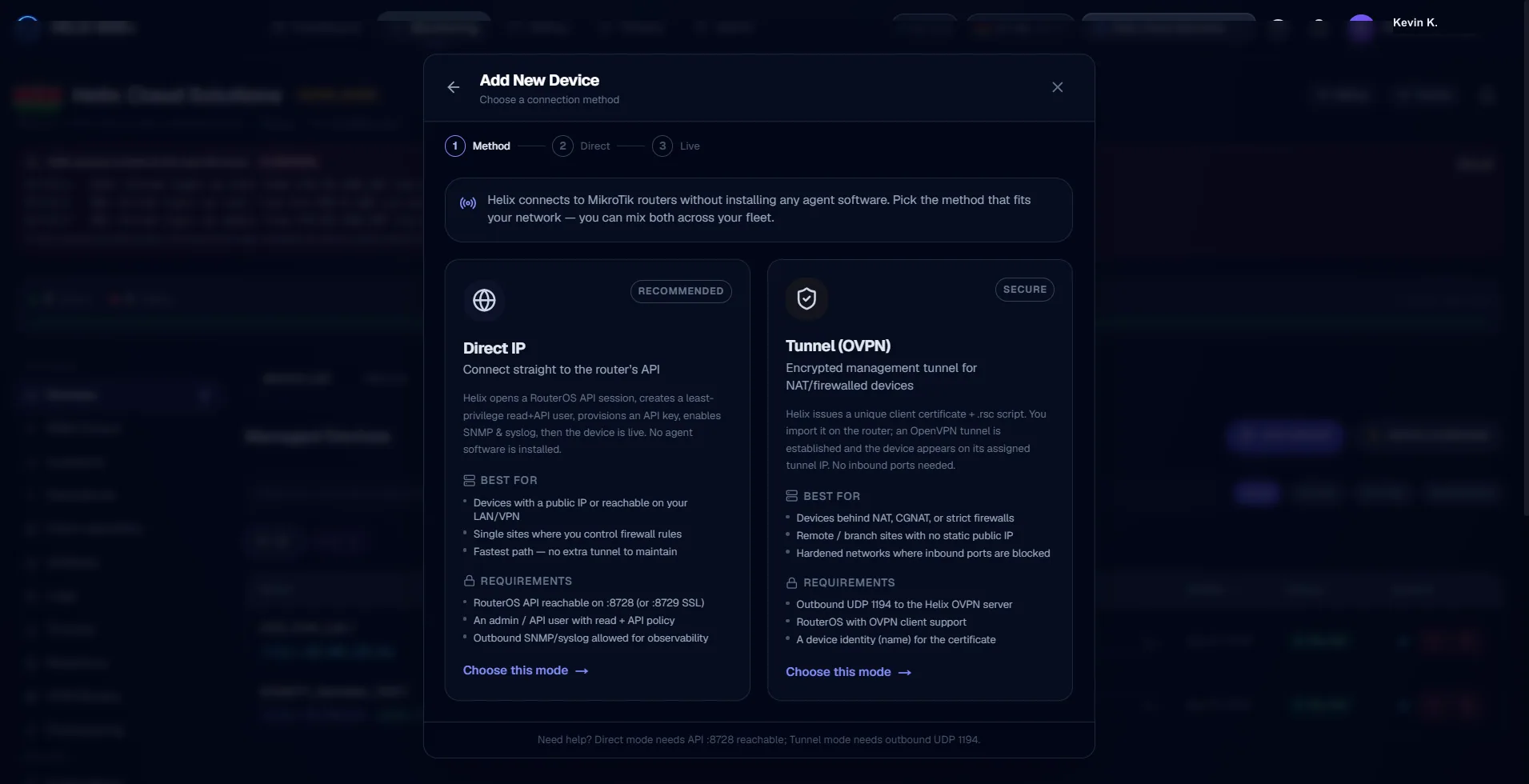
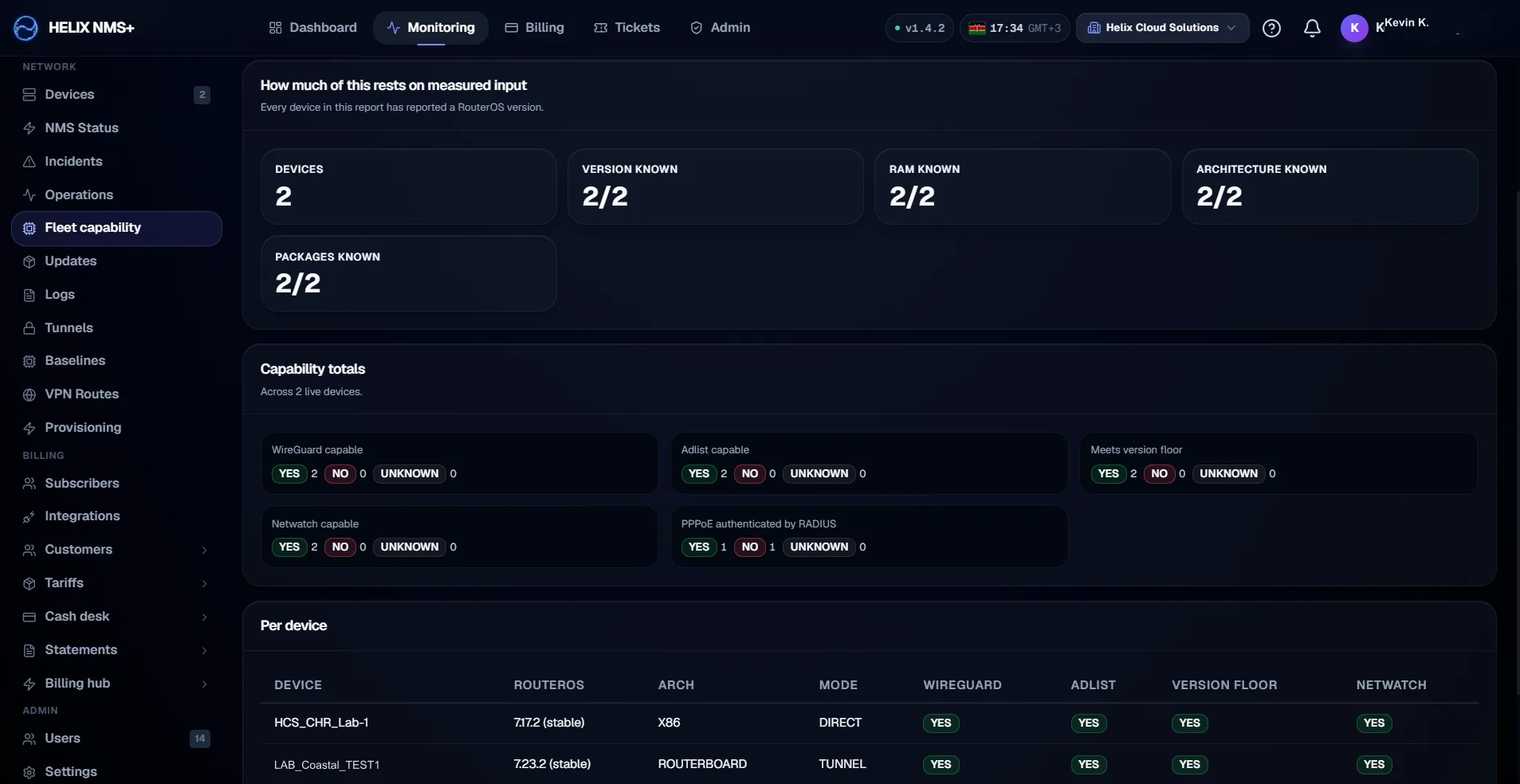
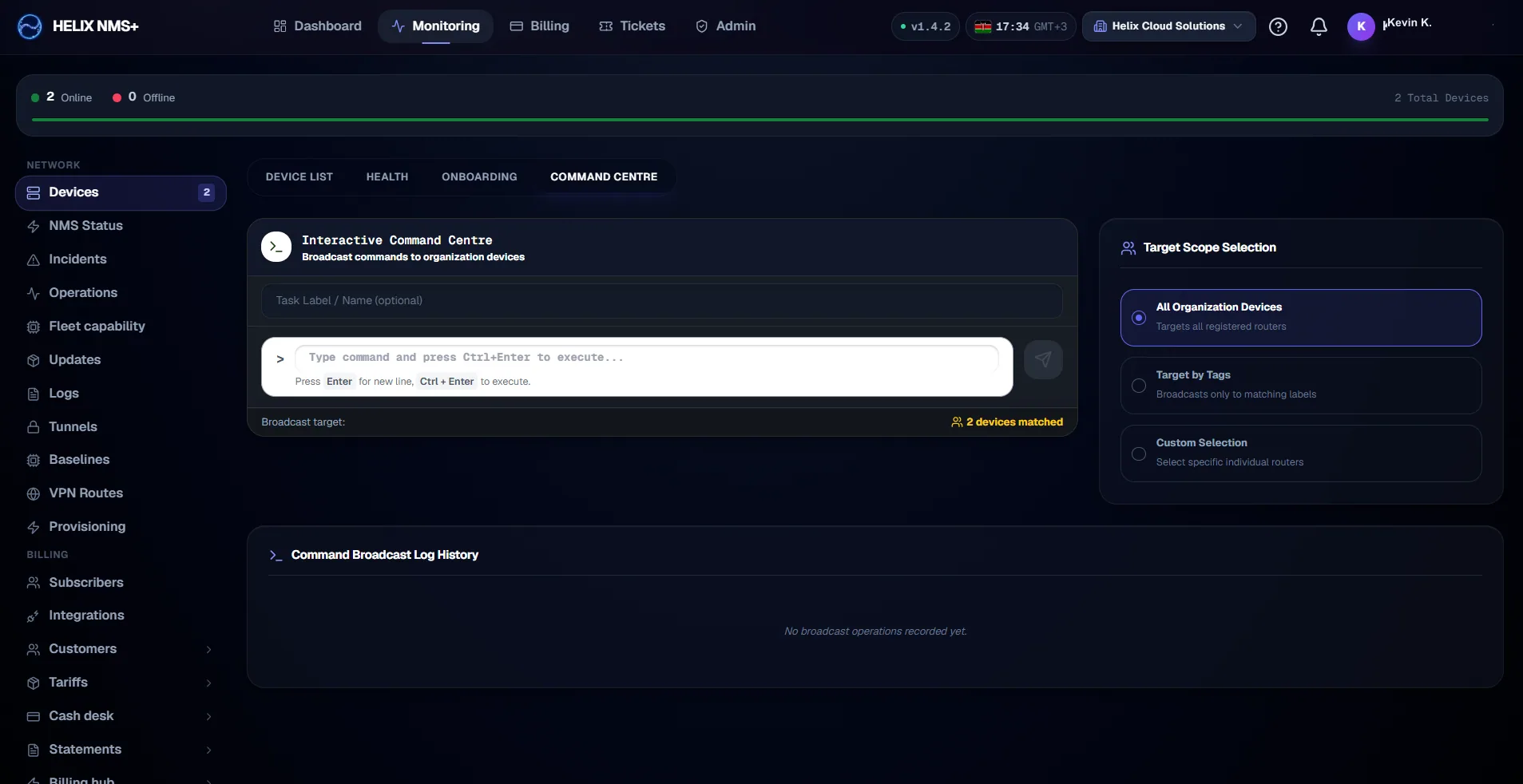
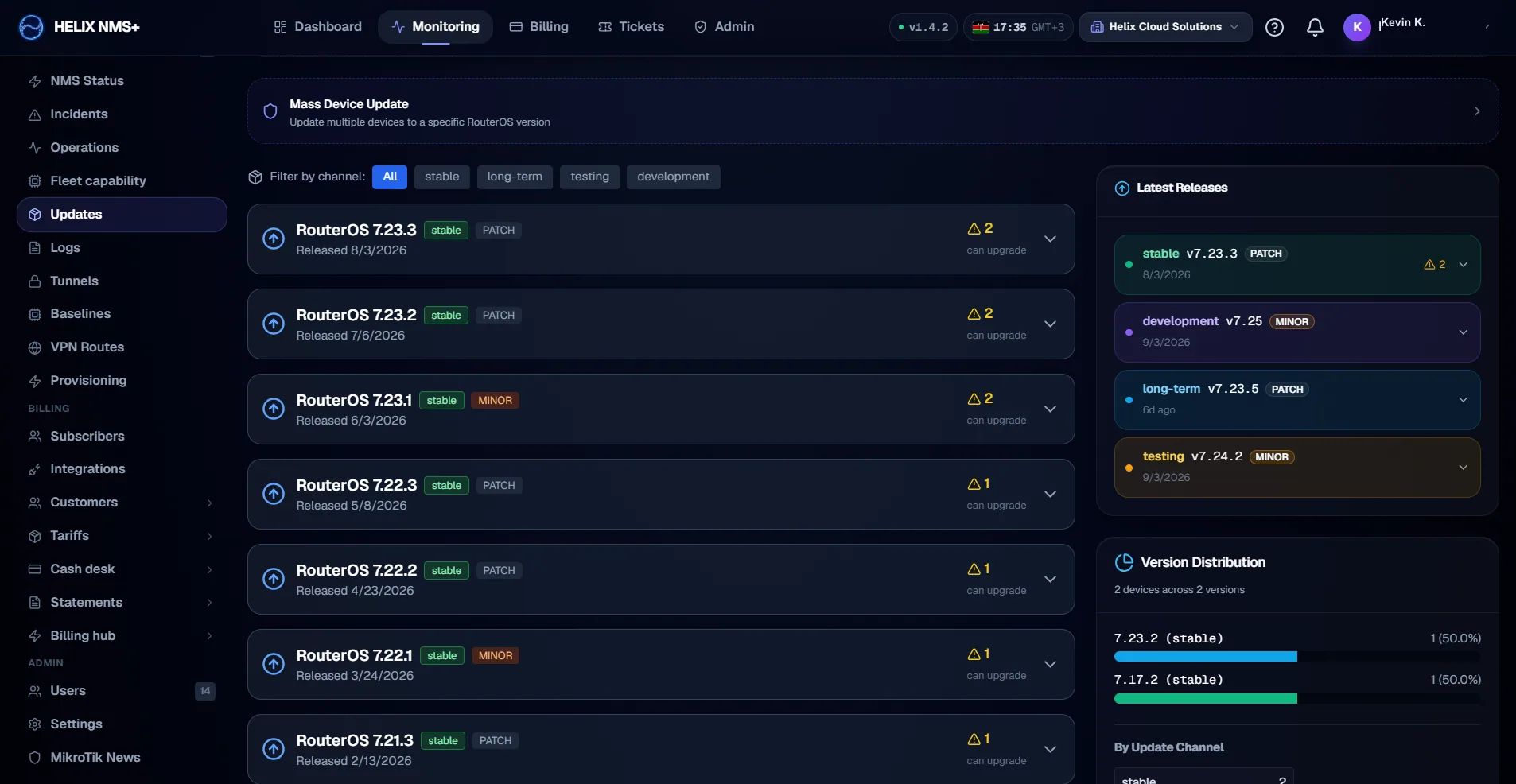
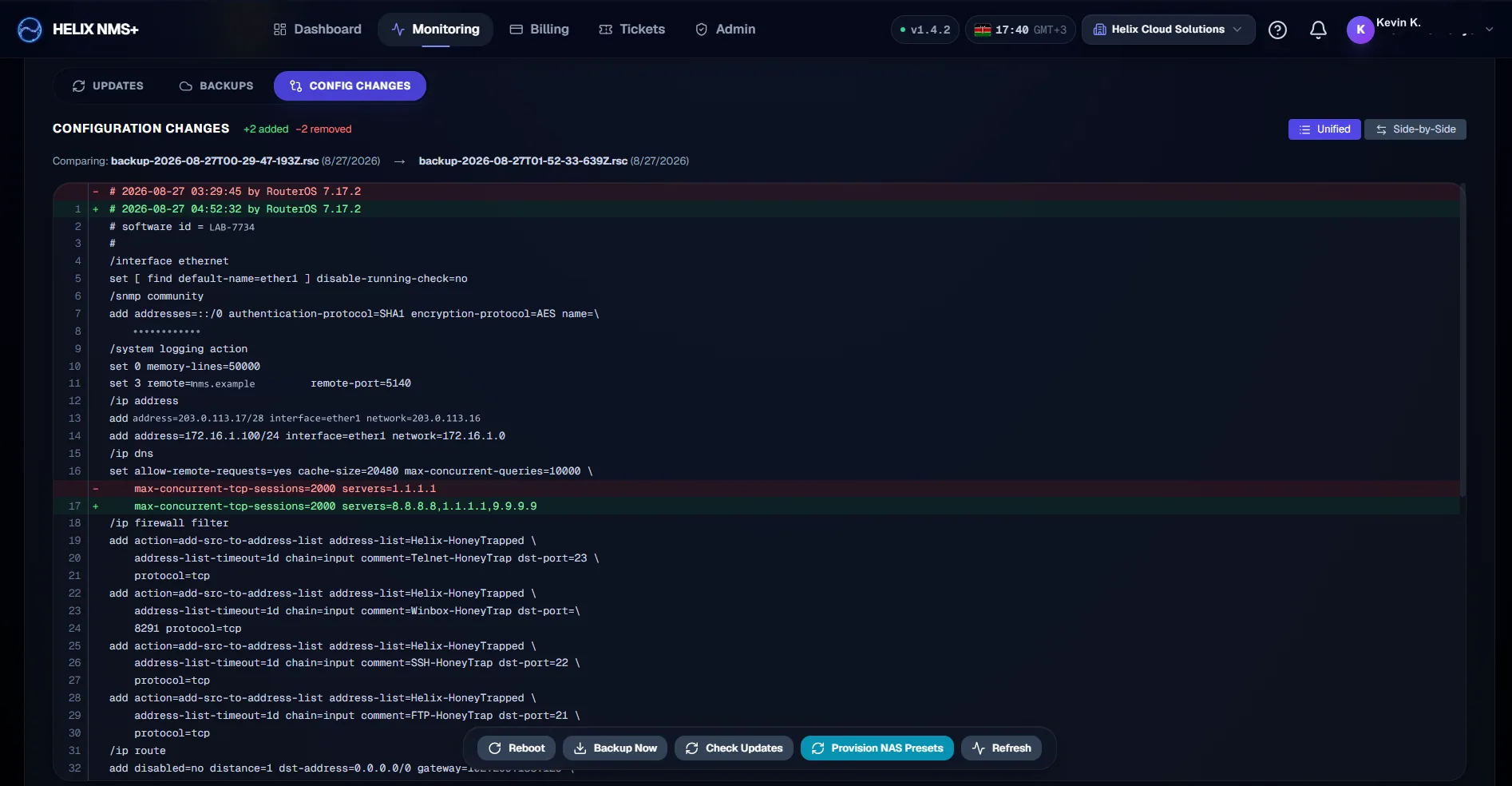
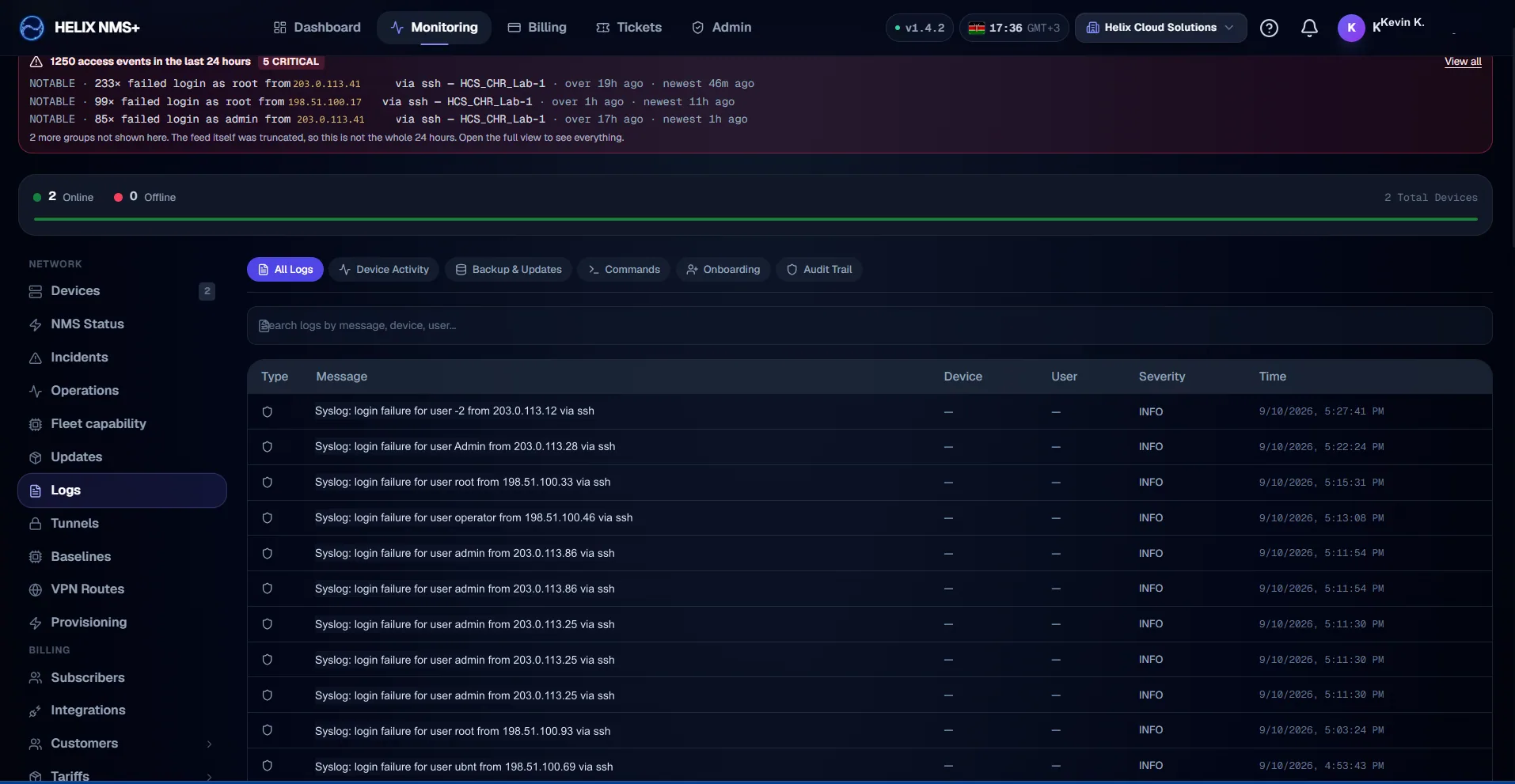
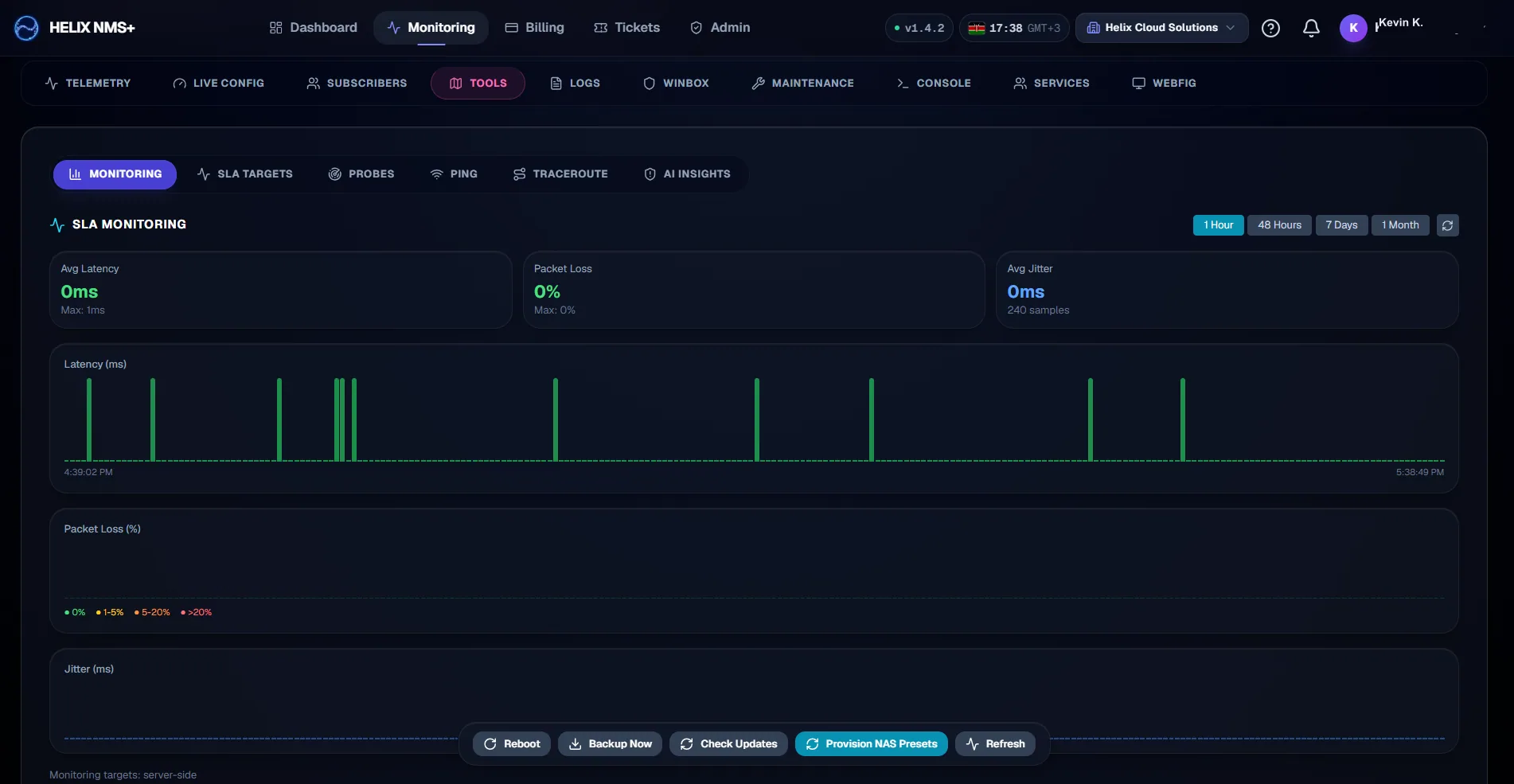
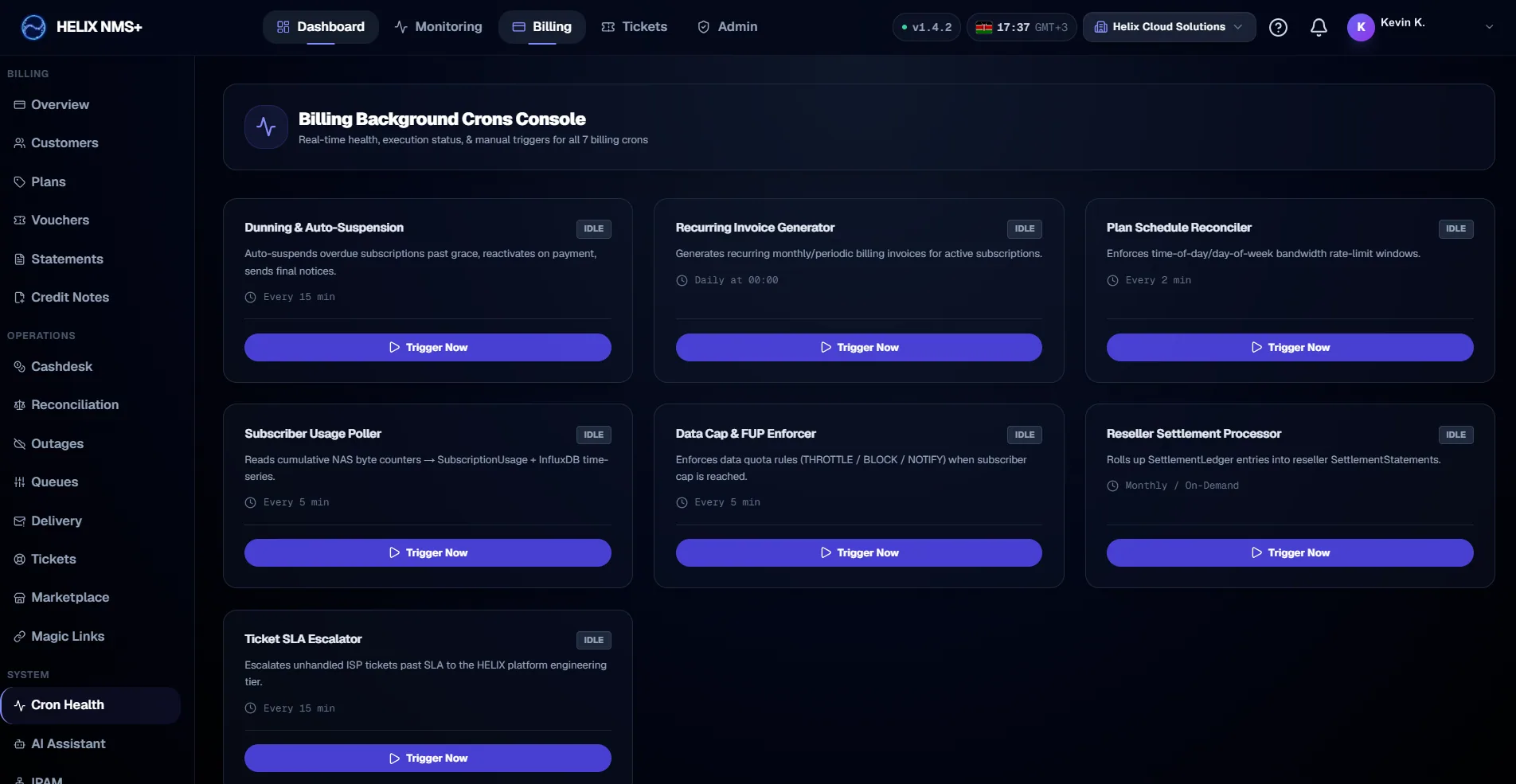
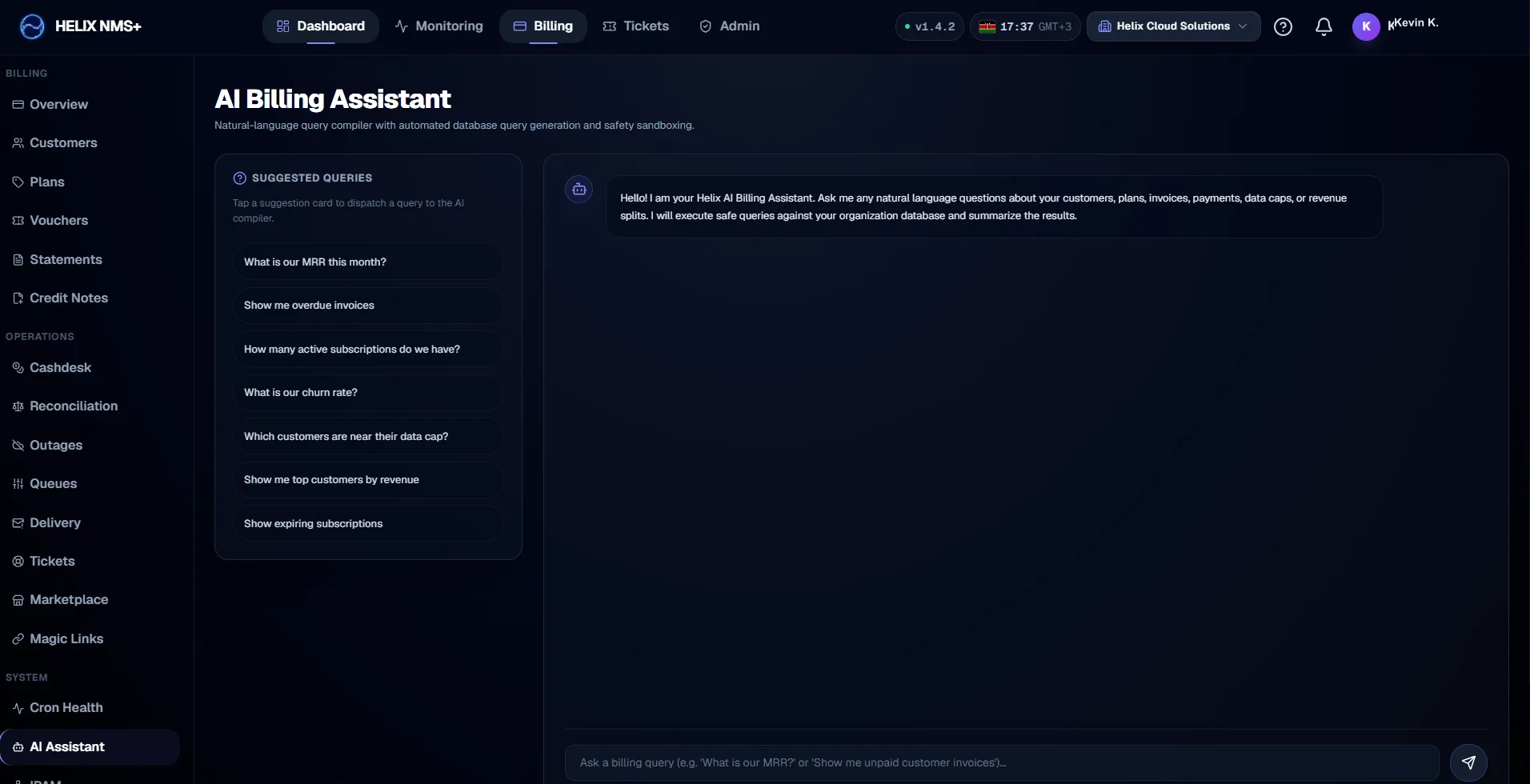
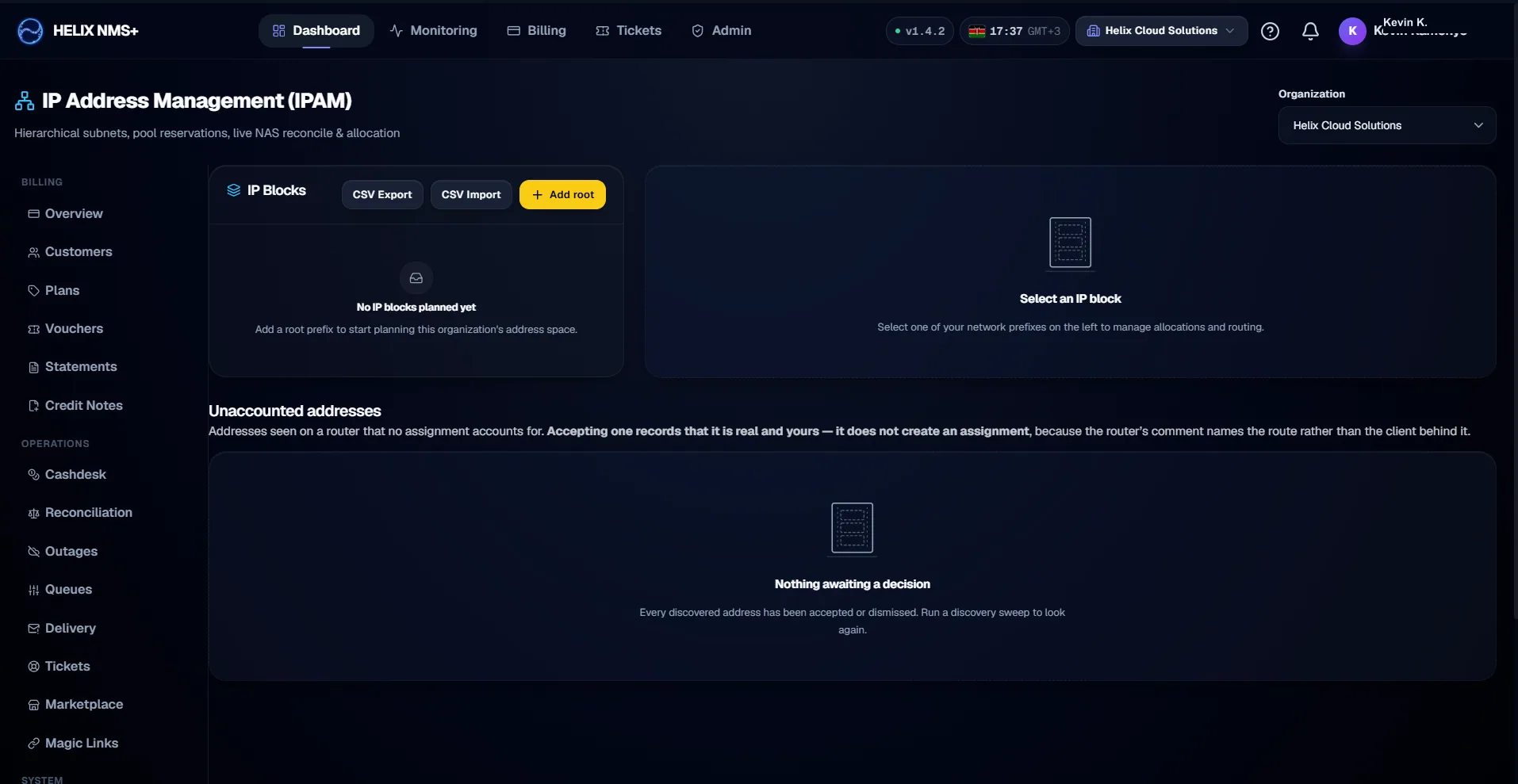
Screenshot 1 of 13 — Two ways to reach a router, and no agent on either
Every capability behind these screens.
The screenshots show the shape of the thing. The features page lists what it does, generated from the product’s own catalogue and filtered to what is built and reachable by a user.